
Search Blanco County Warrants
Blanco County publishes no countywide warrant lookup, and no all-court search covers every docket. The sheriff posts no public warrant roster either. Start instead with the court named on the ticket or case notice. For a district-court criminal matter, ask the District Clerk whether the case sits in the 33rd or 424th Judicial District Court. JP1, JP4, Blanco Municipal Court, and Johnson City Municipal Court each keep separate lower-court records, so a Blanco County warrant check runs court by court. Use a citation or cause number. If it is missing, the clerk may request your name and birth date to find the case; ask whether the record concerns a warrant, capias, capias pro fine, or a balance, because the next step differs.
- Identify the court and city or precinct from the notice.
- Use only the court-linked citation function it describes.
- Ask the clerk about process type and recall steps.
- Call Sheriff's dispatch at 830-868-7104 for law-enforcement routing.
- Use a written request for a public record not available from the clerk.
The Blanco County warrant overview maps local contacts and office routes.
Blanco Court-Linked Searches
JP1's official reply form points to GovRec and describes a Criminal Search by citation number or name and date of birth. It says nothing about partial names. Required fields and refresh timing go unstated too. Treat the interface as a citation and court-account route, not a countywide Blanco County roster, and leave court-record questions to the clerk. The District Clerk runs a separate public search with a record-request path and a $5 search fee. Its historical index covers selected older criminal books. It does not show real-time warrant status. The District Clerk's own page lays out the search block, the fee, and a temporary annex notice.
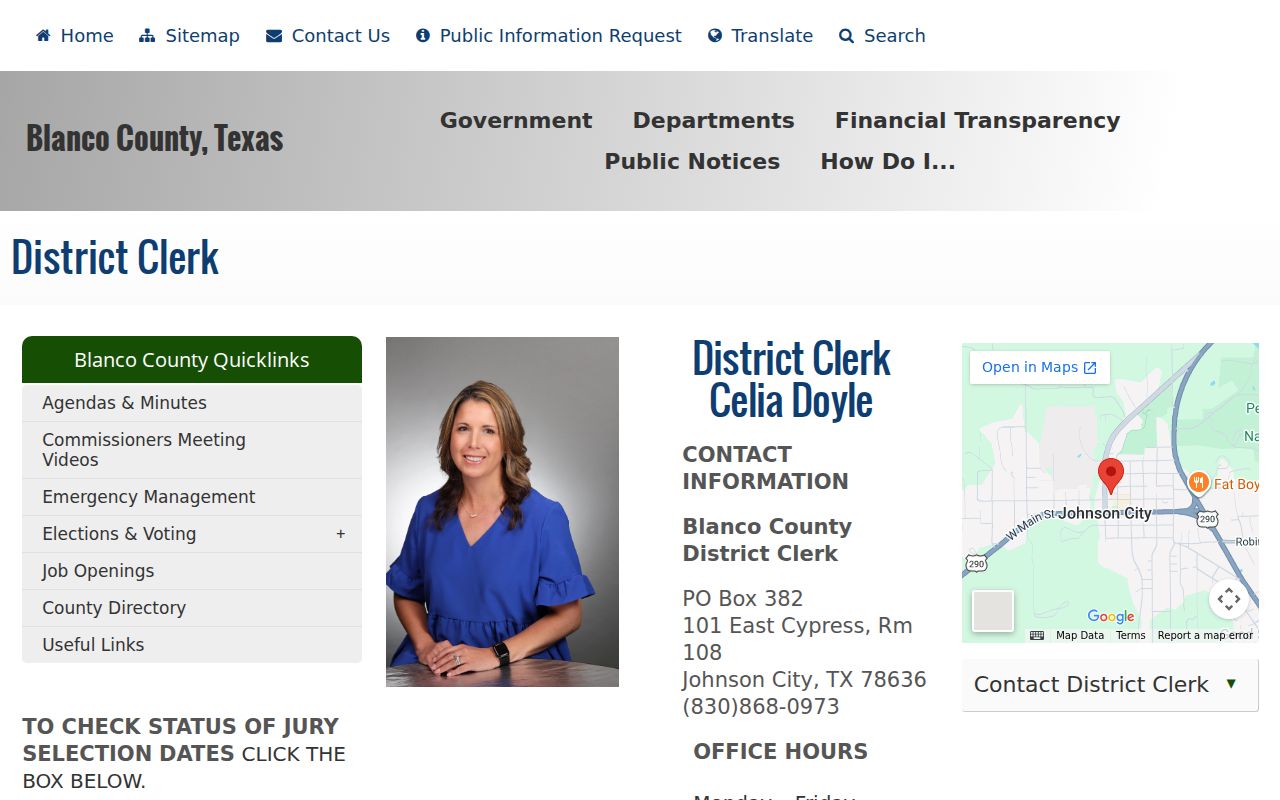
Check the live page for the court's current location. A case may still need a direct request. The Blanco County District Clerk page gives email and mail options, though a $5 search does not cover every court or agency.
Blanco Warrant Search Fields
Blanco County's JP1 instructions name a small set of lookup fields. They publish no matching rules or any local warrant-number format. Treat the vendor screen only as the court's form describes it. Use the current interface, and ask the clerk how to fix a mismatch.
| Official route | Field | Type | What is known |
|---|---|---|---|
| JP1 GovRec | Citation number | Text | Search option named; format not stated |
| JP1 GovRec | Name and date of birth | Text/date | Paired search option; match behavior not stated |
| JP1 reply form | Violation number | Written field | Used to identify the ticket and response |
| JP4 response form | Violation number and plea | Written field/choice | Form offers plea, trial, deferral, and course choices |
| Sheriff search | Not available | None | No official public search page located |
For JP1 traffic, the court page is linked here. Its reply form says a phone call is not an appearance. A search or call cannot replace a required written plea or court date.
Blanco JP Search Screens
JP1 and JP4 keep separate precinct dockets and payment rules. JP1 routes a full citation response through its linked search and takes written pleas in person, by mail, or email. JP4 takes online card payment for full balances. Partial payments, deferrals, and driver-safety requests need court approval. The JP1 page shows Blanco County traffic instructions and contact details, not a warrant list.
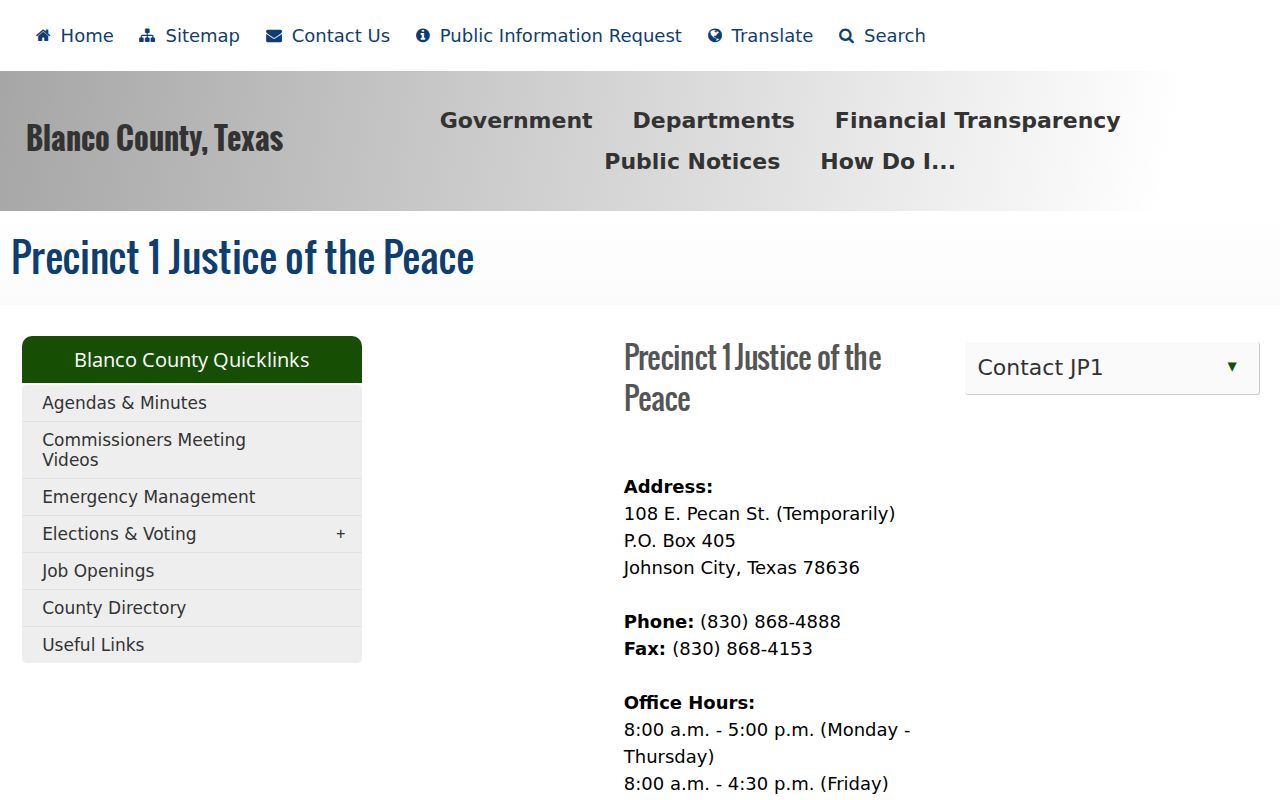
Ask the JP1 clerk what response satisfies the court. Blanco County's JP4 payment page shows its full-payment rule and a 5% card fee; cash is not accepted at the window.
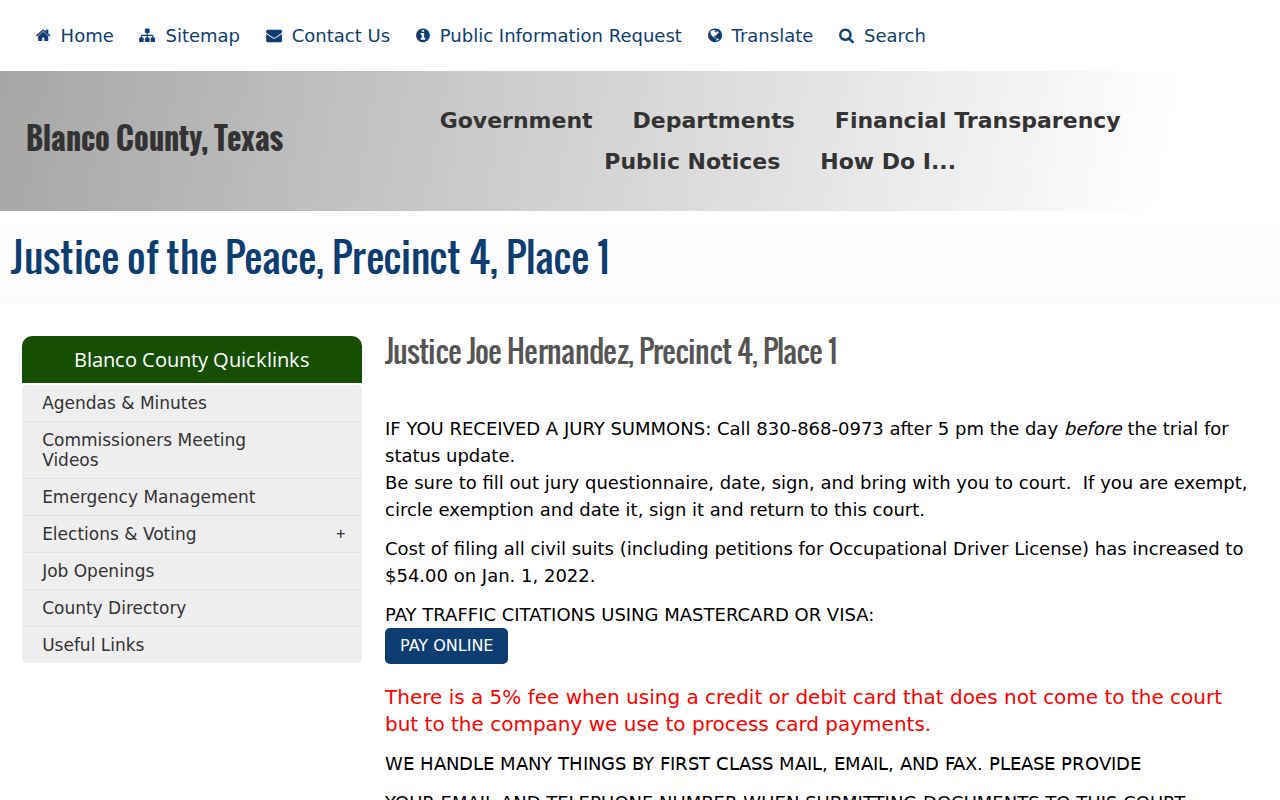
Confirm eligibility with JP4 at 830-833-4212 before sending money.
Blanco Warrant Search Results
Blanco County publishes no sample warrant entry. The field inventory here comes from the District Clerk personal-bond form, local court notices, and state process rules. The exact values in a case file can differ. A record may also be sealed, redacted, or held by a court other than the one first checked.
| Warrant number | Format not published; do not add a year or sequence by guess. |
|---|---|
| Cause or citation | The identifier for the underlying district, JP, or city case. |
| Issuing court | The court whose judge or magistrate authorized the process. |
| Type and reason | May say arrest warrant, capias, capias pro fine, or FTA shorthand. |
| Bond and conditions | Set for the case; the District Clerk form includes amount, deposit, and terms. |
| Status | Ask whether active, recalled, served, or otherwise closed and what that label means. |
A payment page may show a balance without showing that a recall is complete. Keep any receipt. Ask the issuing court in Blanco County to confirm the update.
Blanco County Search Limits
A portal can miss a record for several reasons. The court may not feed it, the process may be recent, the file may be sealed, or another court may hold it. The District Clerk's old indexes, a municipal payment vendor, and a JP citation lookup each cover different ground. None is a countywide warrant certificate. Blanco County lists no sheriff warrant extension. There is no public name search either. Sheriff's Office dispatch answers at 830-868-7104. Dispatch can route questions to the right issuing court, and juvenile arrest warrants with related papers stay confidential under Texas Family Code Section 58.010.
- Capias
- Process to bring a defendant before court.
- Capias pro fine
- Post-judgment fine or cost process, subject to hardship rules.
- Recall
- The issuing court withdraws the warrant; other agency records may need an update.
See Blanco County active warrants for local list limits.
Blanco County Warrant Offices
Which office holds a Blanco County case depends on what happened first. The District Clerk handles felony and other district-court records. The County Clerk keeps Constitutional County Court records. JP1 and JP4 hear traffic and Class C matters. Blanco and Johnson City municipal courts handle their own city ordinances and fine-only cases. The sheriff's dispatch line is a law-enforcement route, not the clerk for every local court. Blanco's municipal warrant notice gives a city recall route. Johnson City points people to its municipal clerk. When a non-confidential record cannot be obtained online, Blanco County lists a public-information form, and during courthouse work each office's current address beats an old courthouse listing.
Blanco County Sheriff / Dispatch
400 U.S. Highway 281 South
City/ZIP: Johnson City, TX 78636
Sheriff dispatch: 830-868-7104
For written records, the Blanco County Public Information Request page explains the county process.
Blanco PIA Search Fallback
Blanco County handles its records through written public-information requests. Each one needs your name, a full physical mailing address, and a telephone number. Faxes don't work. The online form adds an email field, a detailed description of the record, and a verification step. Ask for a public, non-confidential record. It should be tied to a court or cause, since no office has to build a countywide warrant list on request. Mail it to Blanco County Public Information Office, PO Box 471, Johnson City, TX 78636, or deliver it to 105 N. Avenue G, Suite 108. If ten working days pass without an answer, the officer is supposed to give you a production date. Estimates above $40 call for advance notice. A request never recalls a warrant. The District Clerk separately charges a $5 search plus per-page copy costs, so confirm which office holds the record before paying.
Blanco Warrant Access Rules
Texas law keeps some warrant records closed. The Public Information Act gives Blanco County residents a way to ask a government body for its files, though an active investigation can justify holding records back. A juvenile arrest warrant stays confidential. So do the complaint and affidavit behind it, apart from the recipients the law names. A court can also seal warrant information.
Access limits:
Texas Government Code Chapter 552 governs public-information requests and exceptions.
Family Code Section 58.010 makes juvenile arrest warrants confidential, subject to listed exceptions.
Code of Criminal Procedure Chapter 15 sets Texas arrest-warrant procedures.
Ask a Blanco County office only for what the law lets it release. The clerk can explain any referral or redaction.
Blanco Search and DPS Holds
A DPS Failure to Appear/Failure to Pay record answers a license-renewal question, not whether a warrant is active. Texas DPS says each reporting court must be contacted to clear its own part. That state program sits apart from Blanco County's court files. No single state portal searches every warrant. If your license renewal is blocked, ask the reporting court what fines, costs, and fees remain, whether you must appear, and when DPS gets notice of compliance. The OmniBase Services number DPS lists is 1-800-686-0570. Only the court can resolve the underlying citation or judgment. A clean license status is not a warrant check. For Blanco County, call the issuing court or the sheriff directly. The official DPS program page spells out the court-by-court clearance route and its limits.